
Menu boards & signage that run themselves.
Split-screen zones, live prices from your spreadsheet, and a 27-app library. Design once and every screen updates itself, even offline.
27+
Apps ready to drop on any screen
1s
Publish latency to your whole fleet
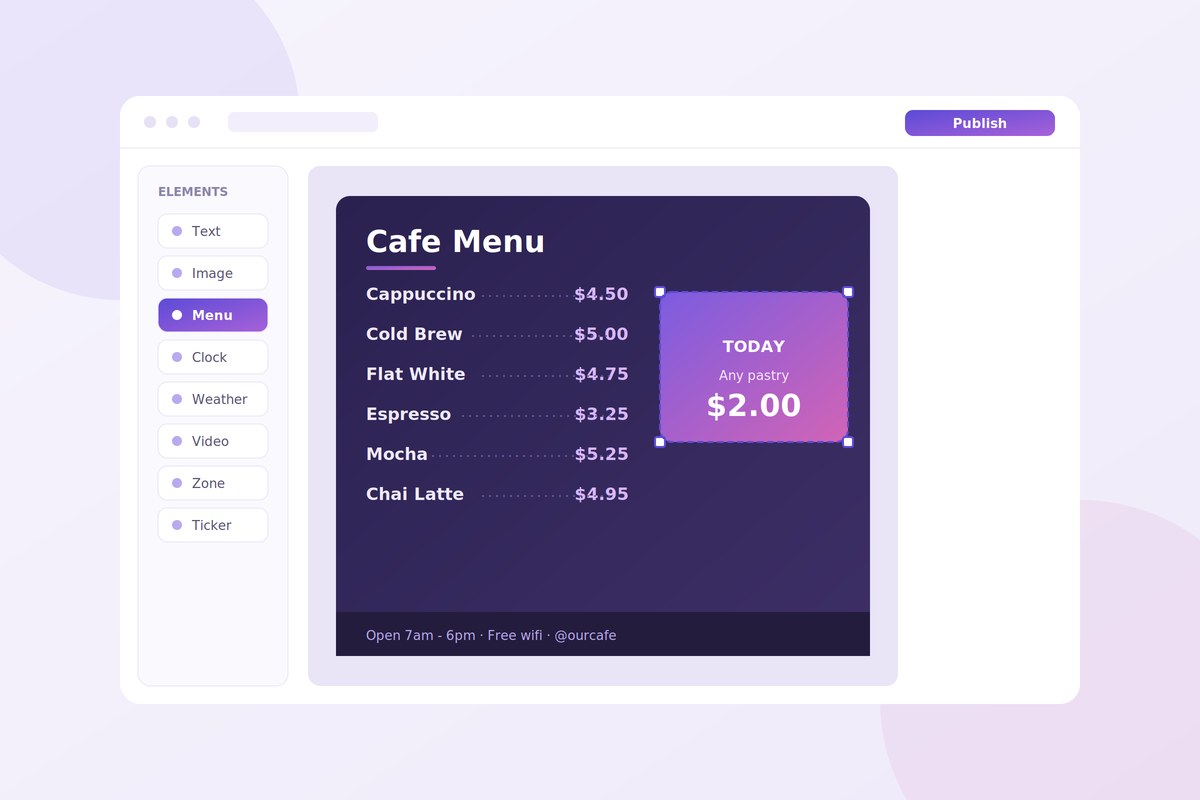
Run every screen you own, without touching a ladder
Six things My Smart Signage does out of the box.
Menu boards
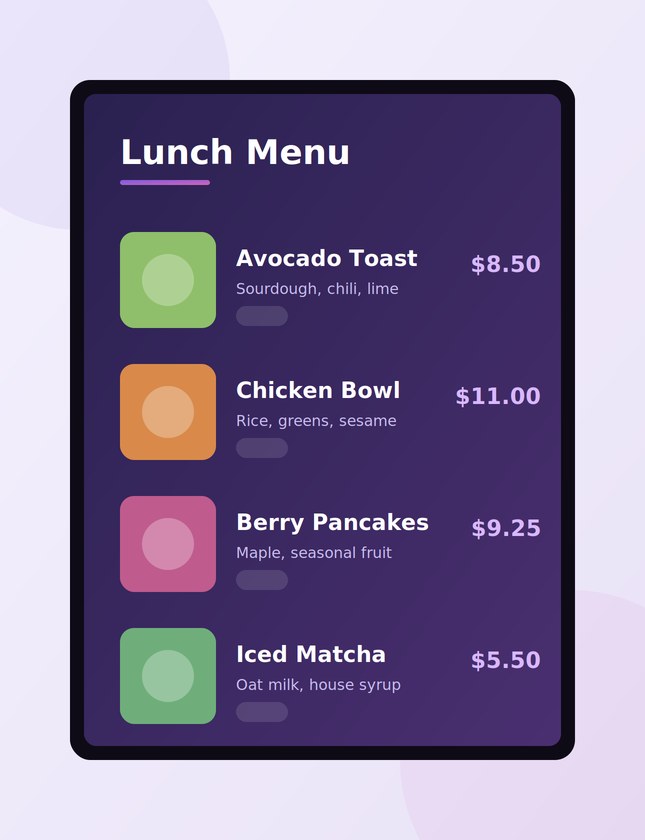
Designed boards with photos, sections and prices that stay consistent on every TV.
Split-screen zones
Video plays while a menu, ticker or promo runs beside it. Each zone has its own playlist.
SmartSync live data
Bind any text to a Google Sheet, CSV or JSON feed. Edit the sheet; screens update themselves.
27-app library
Dashboards, calendars, weather, YouTube, kiosk touch and more, ready to drop on any screen.
Offline-first player
Content keeps playing when the network drops and re-syncs the moment it returns.
Scheduling & automation
Dayparts, expiry dates and nightly refresh keep screens right on their own.
One back office. Every screen, every location.
-
Pair a screen with a six digit code, publish from your laptop, and watch the update land in about a second. No site visits, no USB sticks.
-
Group screens by location, hand teammates their own logins, and see what every display is showing right now from one dashboard.
Menu boards your guests actually read
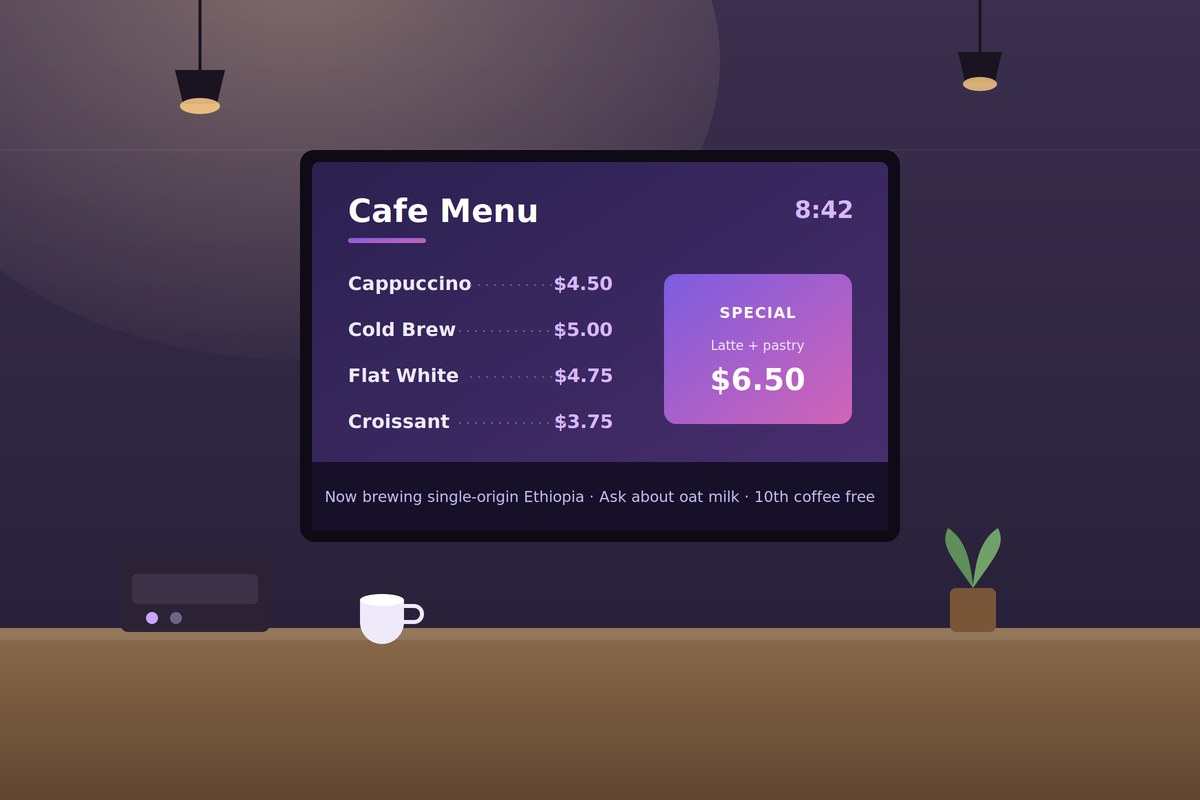
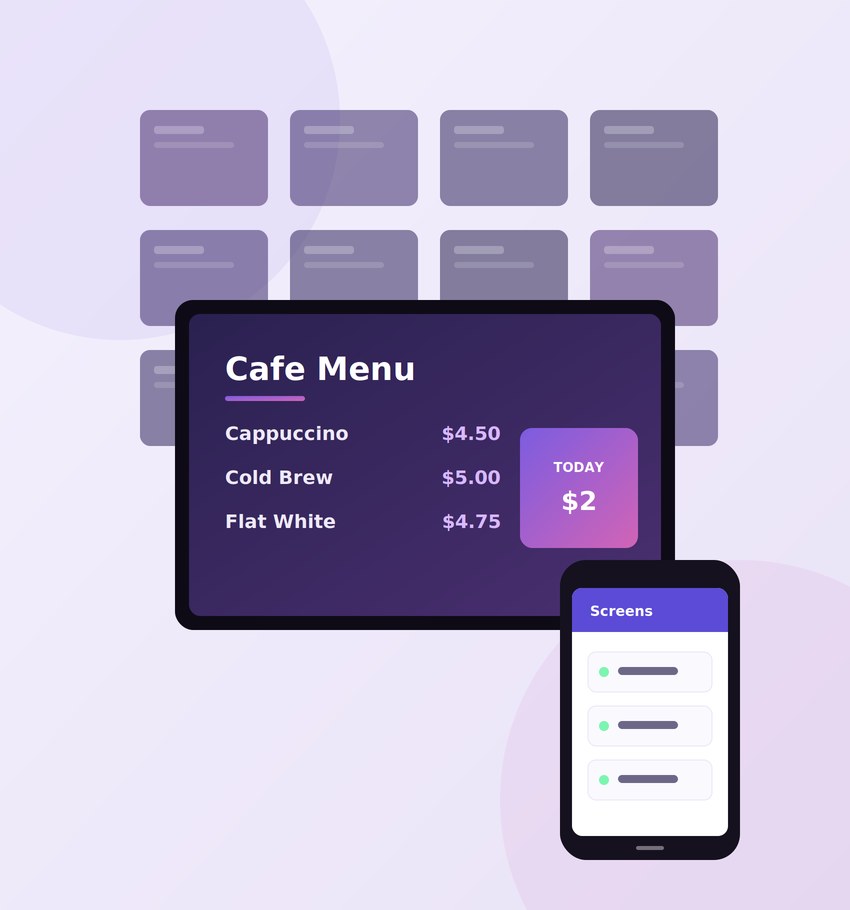
Photo menus with sections, prices and tags, laid out by the engine. Update once and every location follows.
Made for food service
Sold-out toggles, price changes and daily specials go live in seconds.
Breakfast, lunch and dinner boards switch on schedule, per location.
Built for menus, promos and everything between
Three moves that cover most of what a counter needs.
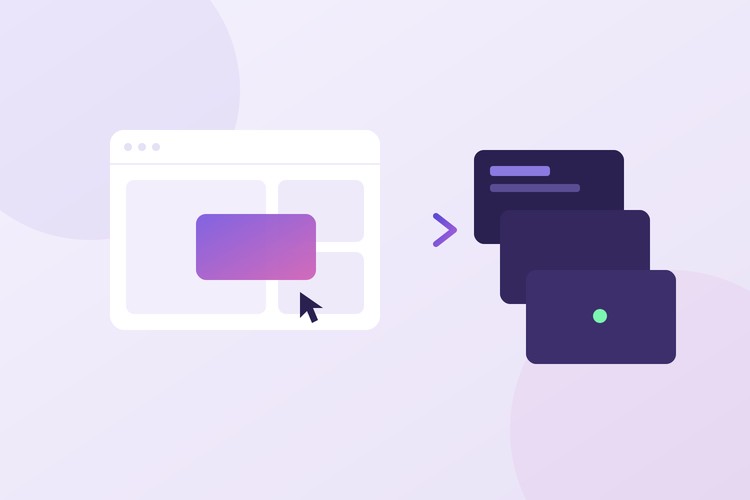
Design once, publish everywhere
Build a layout in the drag and drop editor and push it to one screen or a hundred. Changes land in about a second.
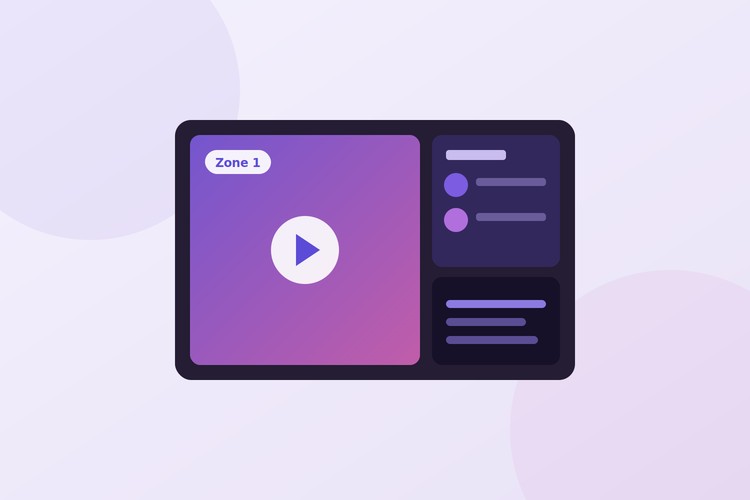
Zones and playlists
Split any screen into regions. A video, a photo menu and a ticker can share one display, each on its own schedule.
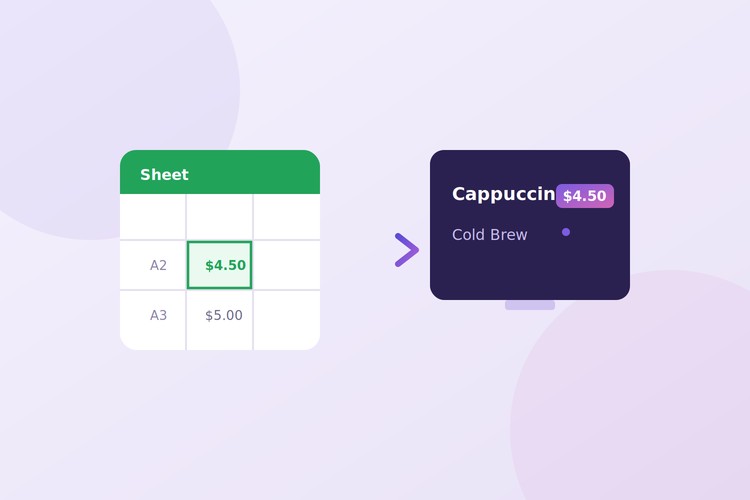
Live prices from a spreadsheet
SmartSync binds on-screen text to your Google Sheet or CSV. Change the sheet and the TV updates itself.
From your laptop to the glass in three steps
Pair the screen with a six digit code. Pick a template or design your own. Hit publish. Most screens are live in under ten minutes.
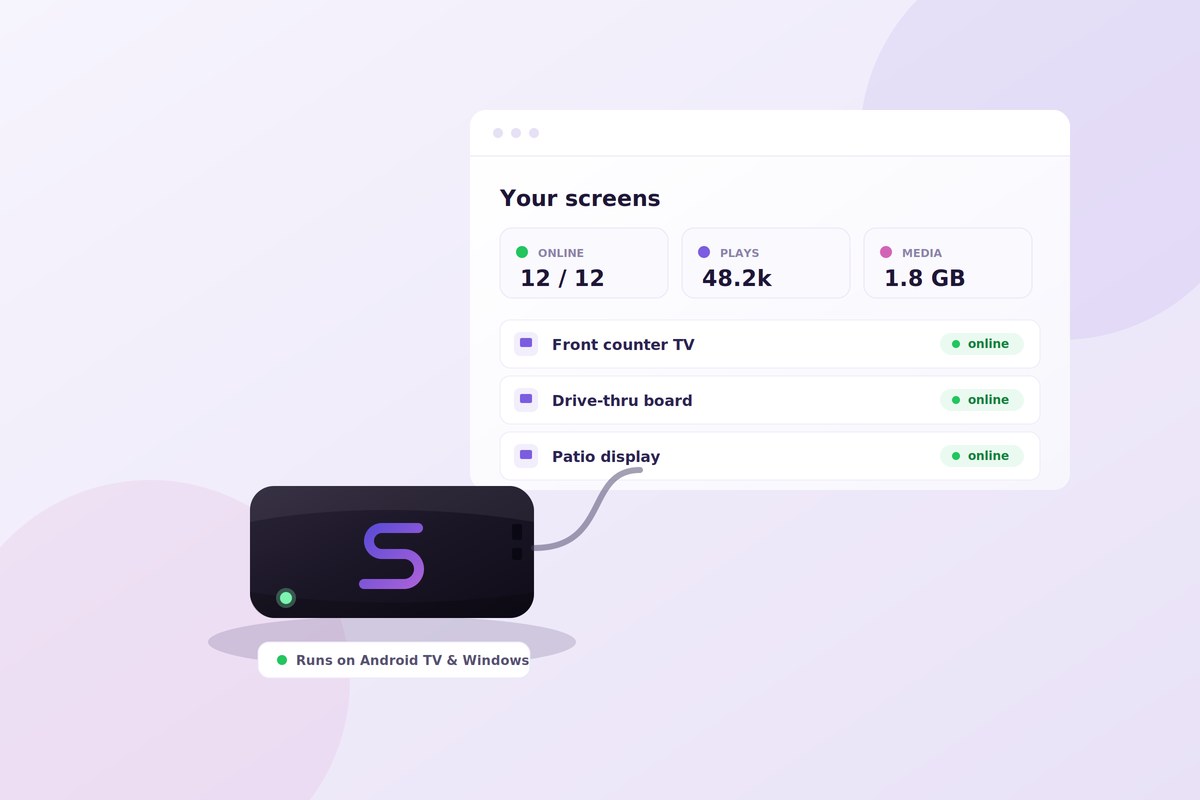
Run the operation, not just the screens
Set it up once and the fleet minds itself: schedules flip, stale promos expire, and the player refreshes nightly.
Uptime and what-is-playing visible per screen, with alerts when one goes dark.
Scheduling & dayparts
Breakfast flips to lunch on its own. Set windows and expiry dates once; screens follow.
Proof-of-play analytics
Know exactly what played, where and when, with uptime for every screen in the fleet.
Emergency broadcast
Take over every screen in one click with an alert or notice, then return to schedule.
Roles & teams
Give each location its own login and let managers edit only what belongs to them.
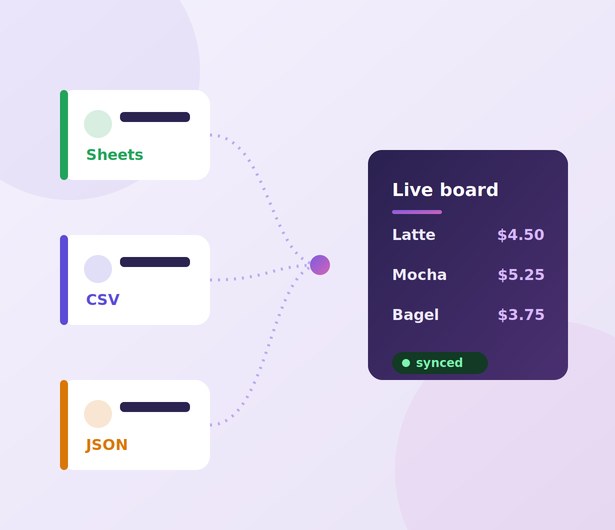
Your data, your tools, on your screens
Connect a Google Sheet, CSV or JSON feed and bind any text on screen to a cell or field.
Prices, availability and schedules update themselves. No republish, no reprint, no ladder.
The same core, tuned to your floor
Menu boards for the counter, promos for the shop floor, dashboards for the lobby. One system runs them all.
QSR & restaurants
Animated menu boards, dayparting, instant prices.
🛍️Retail
Promos, product grids, campaign overrides live.
🏢Corporate
Lobby displays, internal comms, KPI dashboards.
🏥Healthcare
Wayfinding, queue status, emergency messaging.
💈Salons & barbershops
Price lists, stylist boards and booking QR codes.
🏋️Gyms & fitness
Class schedules, coach intros and motivation walls.
Everything keeps playing, even when the internet does not
The player caches its content and schedule locally. A dropped connection never blanks a screen; changes sync the moment it returns.
Works on your hardware
Any Android TV, box or Windows machine becomes a managed screen. No proprietary hardware lock-in.
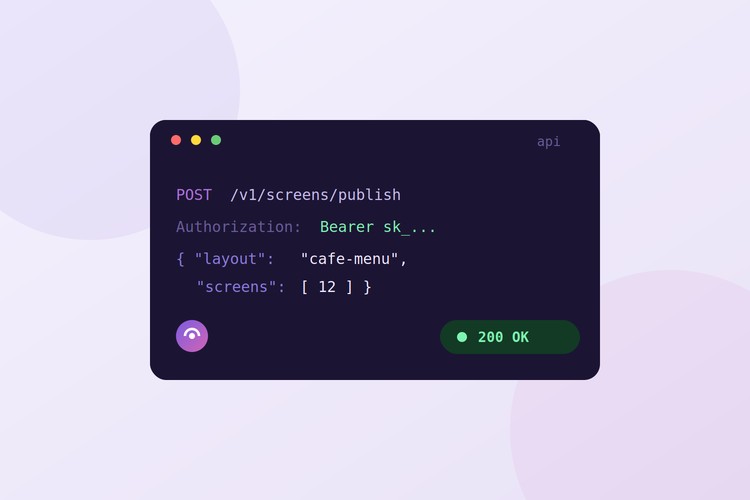
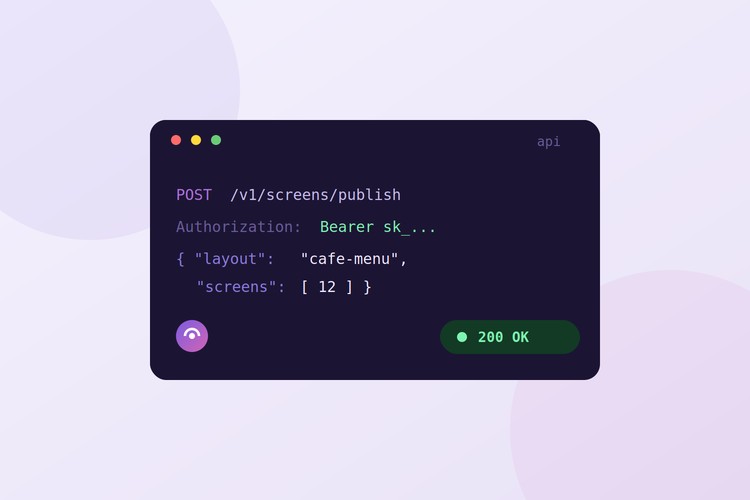
Developer API & webhooks
REST tokens, publish and layout endpoints, and signed webhooks to automate screens from your stack.
27 apps, ready to drop on any screen
The whole library. Every app works on every plan.
Pay for the screens you run.
Every plan scales per active screen. Paid widgets are add-ons you toggle per location.
- 1 screen included
- Layout editor, zones & templates
- Menu boards & app library basics
- Scheduling, expiry dates & nightly refresh
- Offline-first player + email alerts
- SmartSync live data (Sheets / CSV / JSON)
- Dashboard apps (Power BI, Tableau, Grafana)
- Public API & signed webhooks
- Up to 5 screens
- Everything in Starter, plus:
- SmartSync live data (Sheets / CSV / JSON)
- Full app library incl. dashboard apps
- Screen groups & bulk publish
- Analytics & proof-of-play CSV
- Public API & signed webhooks
- Up to 10 screens
- Everything in Growth, plus:
- Public API: tokens, publish, media, analytics
- Signed webhooks (HMAC, retries, delivery log)
- Priority support
Need something different? We build custom packages around your usage - and our design team can create your menu boards and signage for you. Talk to us.
Questions & answers
Short answers, no sales voice.
What is My Smart Signage?
My Smart Signage is cloud digital signage software for Android and Windows displays. You design layouts, menu boards, and promotions in a browser, schedule them by time and location, and push updates to every screen in real time from one back office.
What hardware do I need to run digital signage?
Any TV, monitor, or tablet with a modern browser works: Android TV sticks, Windows mini-PCs, or the display's built-in browser. Open the player link on the screen, enter the 6-character pairing code in your dashboard, and it's live. No proprietary boxes.
Does it keep playing if the internet drops?
Yes. Players are offline-first: they cache the last published layout and schedule, keep playing through outages, and sync automatically the moment the connection returns. You also get an email alert when a screen goes offline and again when it recovers.
Can I schedule content by time of day?
Yes. Daypart whole screens or individual scenes: show the breakfast menu until 11, lunch from 11 to 2, and run date-ranged campaigns that start and stop themselves. Weekday rules and per-location schedules are built in.
How much does digital signage software cost?
Plans start at $19 per month, and every plan includes a set number of screens and media storage. You can start free without a card, pair your first screen in minutes, and upgrade when you're ready.
Can agencies resell or white-label My Smart Signage?
Yes. The Business plan includes white-label branding (your logo and name on the dashboard), a client CRM, a public API, and webhooks - so agencies can run signage for many clients under their own brand.
Talk to us
Demos, custom packages, design help. We answer fast.